For ESL schools
Every F-1 student, every rule, every week.
I-20s, SEVIS deadlines and the 18-hour week, in the same place as your classes and billing.
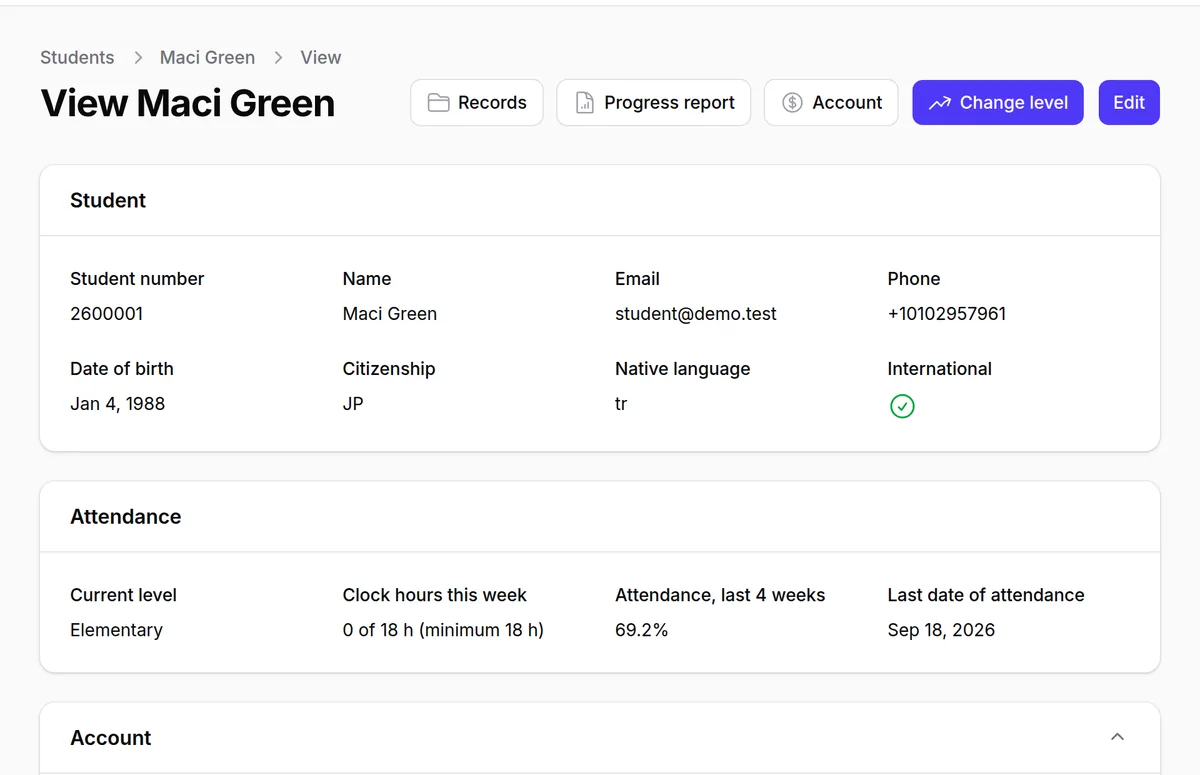
The rules your software should already know.
18 h
Weekly minimum
Clock hours of instruction an F-1 language student needs each week. Lunova counts them from roll call.
30 days
SEVIS registration
From the program start date. Every new student shows up on the DSO's list the day the course begins.
21 days
Reporting changes
To report a termination or a new address. The clock starts when the change is recorded.
10%
First-week refund
The most an ACCET school may keep in the first week, up to $1,000. Lunova applies it for you.
Deadlines and refund rules are configurable per school, to match your accreditor, your state and your own policy.
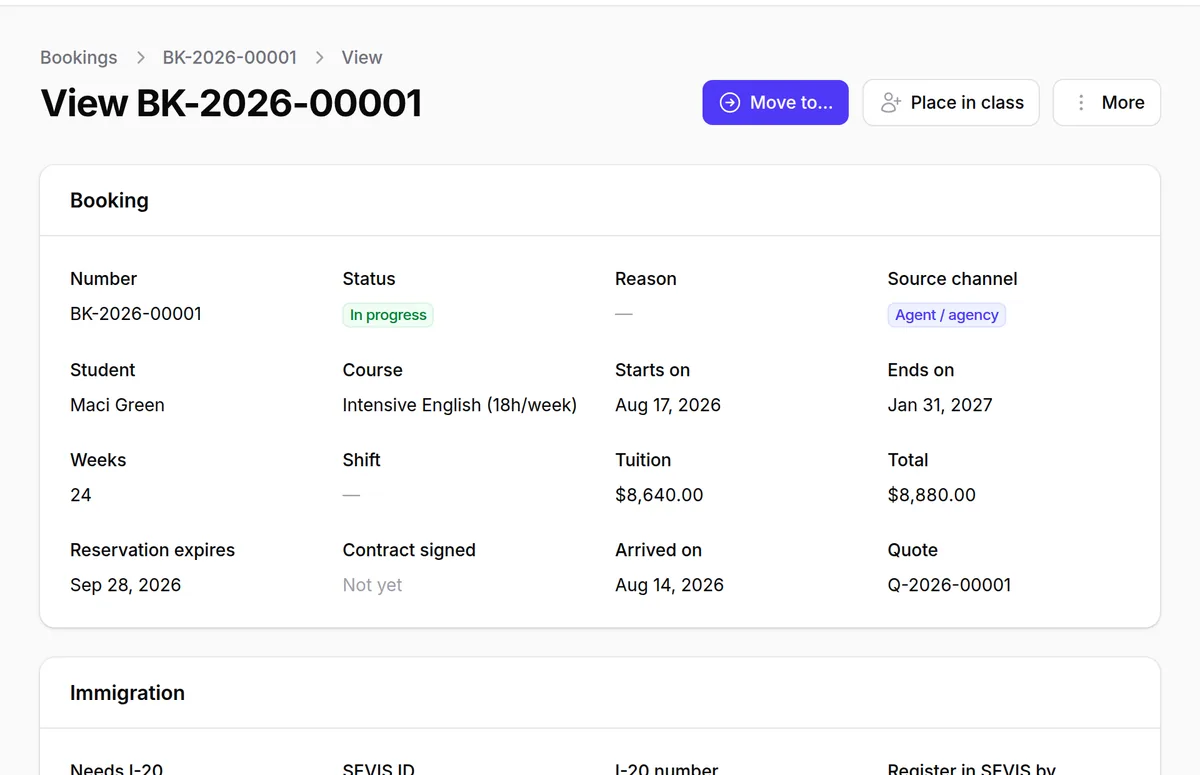
From the first quote to the day they land.
Each booking moves through the steps your school already follows, and nothing moves on until the step before it is done.
- Quote from your price list, sent as a PDF, turned into a booking when accepted.
- Deposit and tuition paid online by card, through Stripe, from anywhere in the world, straight into your school's account.
- Documents checked, I-20 requested from SEVIS through SEVIS Batch, visa result recorded.
- Homestay matched and airport pickup booked before arrival.
- Level, class and the first week of roll call.
Agents, host families and drivers, in the same place.
Agents
Agency prices, commission on course start, and automatic reversal when a student withdraws.
Host families
Rooms, diets, pets and distance to school. Matching, stays and monthly payouts.
Airport transfers
Flight, pickup time and driver, with a printed sheet for each arrival day.
Questions schools ask
Does Lunova file directly with SEVIS?
Yes, through SEVIS Batch, the interface SEVP provides for school software. Lunova sends new students and I-20s, registrations, address changes, extensions, completions and terminations, and reads SEVIS's answer the next business day. Every document is checked against the official SEVIS schemas before it leaves.
What does our school need for SEVIS Batch?
SEVP asks the PDSO to register the campus for Batch, a class 1 digital certificate, a signed Customer Agreement and a test run in the SEVIS Beta environment. We walk you through each step before you send anything real.
Can we move from QuickSchools or from spreadsheets?
Yes. We import students, classes, balances and open bookings with you before you go live, and check the numbers together.
Is our data kept apart from other schools?
Yes. Every record belongs to one school, and the system refuses any request that does not say which. We test this on every release.
Which accreditors do you support?
ACCET and CEA. Refund rules, the weekly minimum and reporting deadlines are set per school, so they match your accreditor and your state.
How do students pay?
Online, by card, through Stripe, straight into your school's own Stripe account; Lunova never holds your money. Each payment is matched to its invoice automatically. Wire transfers and other payments can still be recorded by your finance team.
Are there fees on online payments?
Stripe charges its standard card fee, and Lunova adds a 0.5% platform fee on each online payment. Both come out of the payment, so students pay exactly the invoice amount. No setup fees.
How is Lunova priced?
By school size, with every feature included. Book a demo and we will send you a quote the same week.
Who can log in?
Your staff, with permissions by role: director, admissions, academic, finance and DSO. Teachers and students have their own portals.
See Lunova with your school in mind.
A 30-minute call, on your schedule. We walk through your week and show you the parts that matter to your school.
- A look at your current process, then the same steps in Lunova.
- Your refund rule and weekly minimum, set up live.
- A clear quote and a migration plan.